Guides / Batteries and safety
Phone Overheating: Safe Checks and When to Stop Using It
Review status: Fact-checked against the sources listed below on 2026-11-23. No named expert reviewer yet.
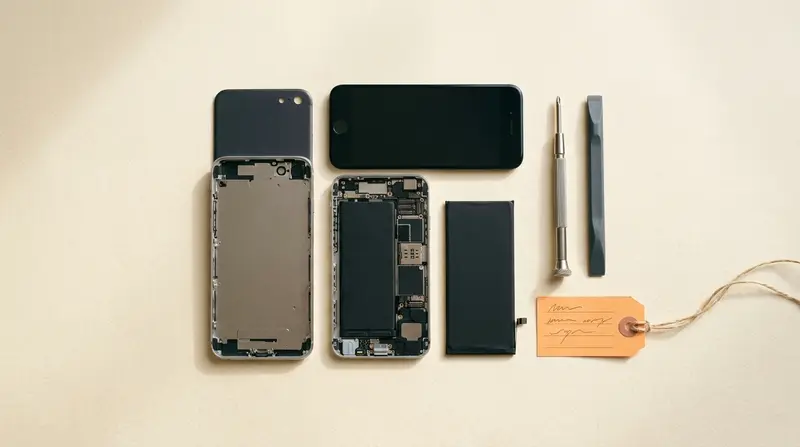
Most overheating is load plus environment: the processor is working hard, the phone is charging, and the air around it is hot. Reduce the load, get it out of the heat and charge it gently. But first check the phone itself, because a hot or swollen battery is not a settings problem.
Check for a hot or swollen battery first
If the screen is lifting, the back is bulging, the case no longer fits, or the phone is very hot or smells sweet or metallic, stop using it and do not charge it. iFixit says not to try to remove the battery if the device feels extremely hot or smells awful, and to clear the area of anything flammable. If in doubt, power it down and take it to a repair professional. If it smokes or burns, leave the area and call your local emergency number. The battery safety page and the stop-and-hand-over flow give the steps in order.
Cool it safely
Apple says iPhone and iPad are designed for an ambient temperature between 0 and 35 C, that very hot conditions can permanently shorten battery life, and that you should not leave a device in a car, where temperatures can exceed that range.
Steps that Apple and Samsung both support:
- Move the phone out of direct sunlight and out of a parked car.
- Take the case off to improve airflow (Samsung).
- Close apps you are not using, and lower the screen brightness (Samsung).
- Turn off Wi-Fi, Bluetooth, GPS and hotspot if you do not need them (Samsung).
- Unplug the charger, or remove the wireless charger, until the phone cools (Samsung).
- If a temperature warning appears, turn the device off and move it somewhere cooler (Apple).
This site found no source for freezers, fridges or cooling apps, so it does not recommend them.
Charging adds heat
Apple lists wireless charging among the things that make a device feel warmer, and says that when the interior gets too hot, charging slows or stops. A “Charging On Hold” message means the device is temporarily too hot or too cold to charge. Samsung lists fast and wireless charging as causes of extra warmth and adds that a frayed cable or incompatible charger can overheat during charging. Charge in the shade, off the bed, and swap a damaged cable.
Heavy use in the heat
Apple names graphics-intensive games, long camera use, high-quality video streaming, and navigation in a hot car as activities that raise temperature, and says that when the interior gets too hot a device may dim the display, lower frame rates or weaken its cellular signal. That is the phone protecting itself, not a fault. Give it a break rather than pushing through.
When the cause is a tired battery
If a phone runs hot doing ordinary tasks and also drains fast, check battery health. Apple describes maximum capacity as capacity relative to when the battery was new. The battery drains fast flow lists free checks first, and battery replacement or a new phone covers the decision. Not captured: the effect of 5G versus LTE on heat, and the internal-resistance behaviour of worn cells.
Open the stop-and-hand-over flow
Sources
Sources: Apple: If your iPhone or iPad gets too hot or too cold (opened 2026-11-23), Samsung Gulf: What to do when your phone heats up? (opened 2026-11-23), iFixit: What to do with a swollen battery (opened 2026-11-23), Apple: iPhone battery and performance (opened 2026-11-23)
Each page was opened and read on the date shown. Anything not found in these pages is marked "not captured" in the text. All sources.