Guides / Phones and tablets
iPhone Screen Repair or Replace the Phone? A Checklist
Review status: Fact-checked against the sources listed below on 2026-11-23. No named expert reviewer yet.
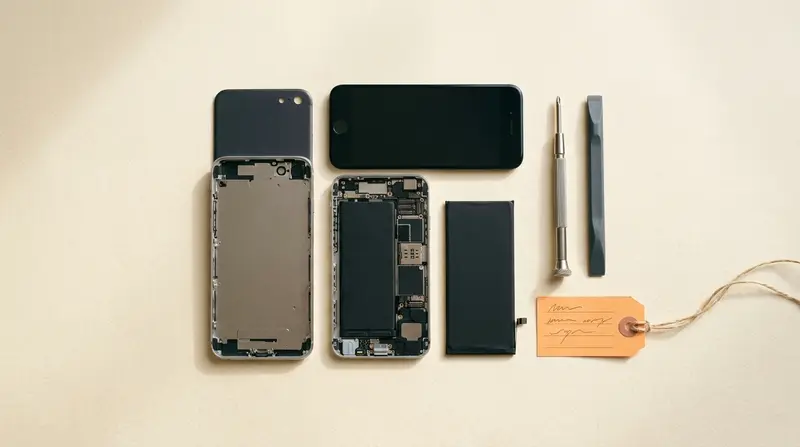
Repair the screen when the rest of the phone is sound and the written quote is a small share of a comparable phone’s price. Replace the phone when the crack is one fault among several. This checklist puts the steps in order. It does not quote repair prices, and it names no repairers, because none was verified.
1. Back up before anything else
A handover can mean a reset, and a cracked screen can get worse until you cannot tap it. Apple’s service-preparation page lists the steps: back up to iCloud or a computer, confirm iCloud has finished syncing, remove Wallet cards, turn off Apple Cash and Find My, and never share your passcode. Our backup checklist turns that list into ticks you can print.
2. Look for other damage
Check the following before you ask for a quote:
- The battery. Open Battery Health and read maximum capacity and peak performance. If it is already degraded, a screen job plus a battery job is two repairs; see battery replacement or a new phone.
- A swollen battery. A screen lifting off the frame, a bulging back or a new gap along the edge is a safety stop. Do not charge the phone, and do not press on it. Our swollen battery flow explains why and what to do.
- Liquid. If the phone has been wet, run the liquid flow first.
- Age. Apple supplies service and parts for a minimum of five years after it stops selling a product (up to seven in some cases), then lists the product as vintage or obsolete. Past that point a second repair may not be possible.
3. Ask for a written quote
A useful quote names the exact part (genuine, refurbished or third-party), shows labour separately, gives a turnaround time, states the repair warranty in writing, says how your data is handled, and says what happens if another fault appears once the phone is open. A shop that will not itemise is giving you an answer too.
Apple’s Independent Repair Provider programme gives independent companies in the UAE access to genuine Apple parts and Apple-certified technicians for out-of-warranty iPhone repairs, including display replacements. Ask a shop whether it is in that programme, and treat the answer as a claim to check, not as proof.
4. Compare the quote with a new phone
Enter the quote and a realistic replacement price into the calculator. It shows the repair as a share of the new price, the cost per year of use, and the age of the phone against the parts window. You can change every assumption, and the maths page separates sourced values from rules of thumb.
Not captured: part-quality differences between screen types, how third-party screens affect Apple warranty or AppleCare terms, and what a repair does to resale value. Ask the repairer and Apple directly rather than relying on a forum post.
Open the repair-or-replace calculator
Sources
Sources: Apple: Prepare your iPhone or iPad for a service appointment (opened 2026-11-23), Apple: Independent Repair Provider Program (opened 2026-11-23), Apple: Obtaining service for your Apple product after an expired warranty (opened 2026-11-23), Apple: iPhone battery and performance (opened 2026-11-23), iFixit: What to do with a swollen battery (opened 2026-11-23)
Each page was opened and read on the date shown. Anything not found in these pages is marked "not captured" in the text. All sources.